Stream Player · Android · Deep link demo
One link. The browser hands it to Android.
The app resolves it and plays it.
The player below streams from a public URL. The Open in app button does the same thing using a deep link — and the panels underneath show every step the Android system performs on the way.
- Streams over HLS, DASH, MP4 and WebM
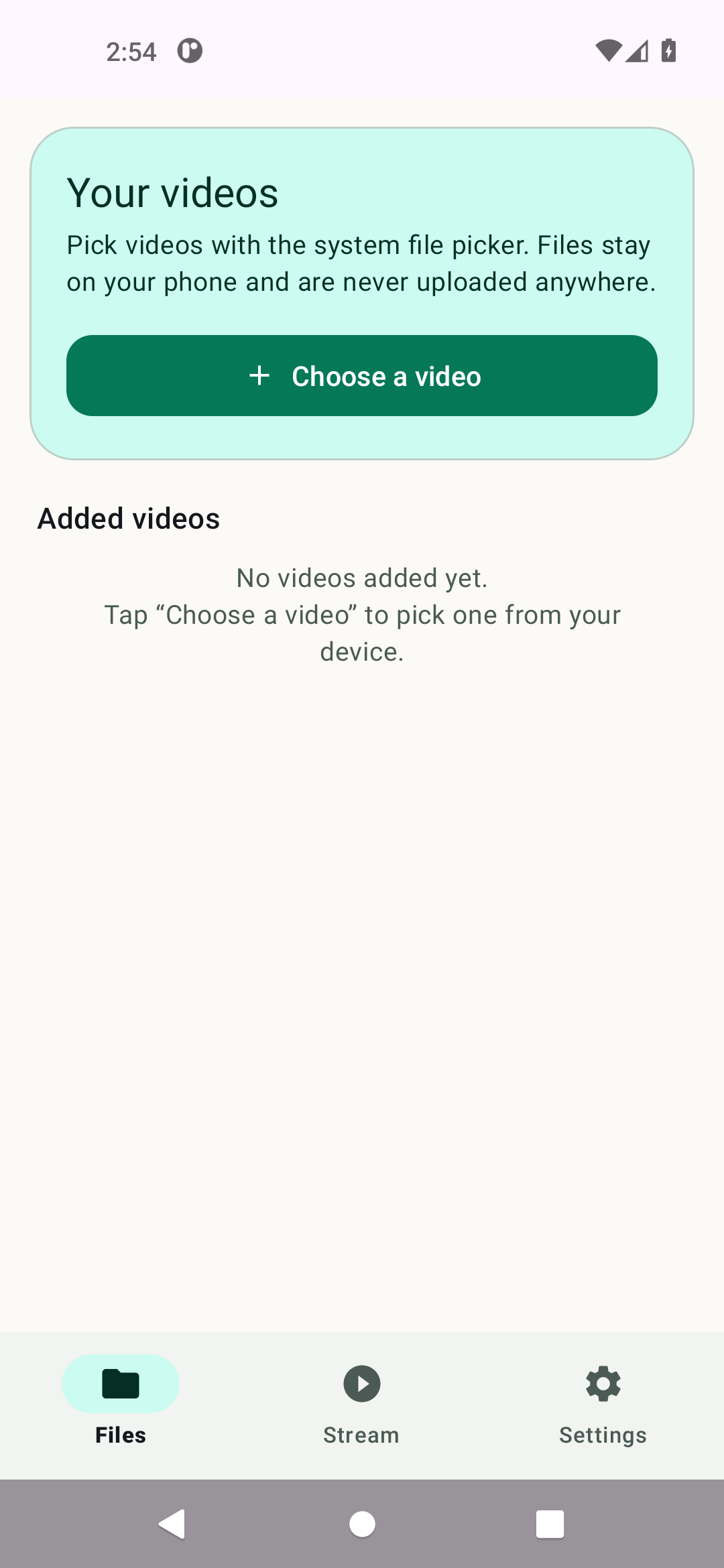
- Plays videos from your device, with no storage permission
- Picture-in-picture and a media notification
- Your data stays on your device - no account, no tracking
Try it
Play in the browser, then send the exact same stream to the Android app.
https://test-streams.mux.dev/x36xhzz/x36xhzz.m3u8
If the app is not installed, Android reports that nothing can open the link. On a desktop browser the click is simply ignored.
streamplayer://play?url=…
- Intent action
- android.intent.action.VIEW
- Intent data
- —
- Handled by
- —
- Plays
- —
Open it on your phone
Scan with the camera app. The code contains the custom-scheme link, so the phone opens the app directly — no web server, no network round trip. Your phone just needs Stream Player installed.
The QR updates whenever you switch streams.
What happens when you tap it
Six steps from a web page to a playing video, and the code behind each one.
-
1
Link clicked
The page points at a URL with a custom scheme. Android does not treat it as a web address.
<a href="streamplayer://play?url=…" > -
2
Browser hands over
The browser cannot render the scheme, so it asks the system for an app that can.
startActivity(Intent(ACTION_VIEW, data)) -
3
Manifest match
Android matches the intent filter and picks the app. The filter declares the scheme.
<data android:scheme="streamplayer" /> -
4
Activity receives
The launcher activity gets the URI.
singleTaskmeans a second tap reuses it.intent.data → MainActivity -
5
URL is resolved
The resolver pulls the real stream URL out of the link, plus any extra headers.
DeepLinkResolver.resolve(uri) -
6
Player starts
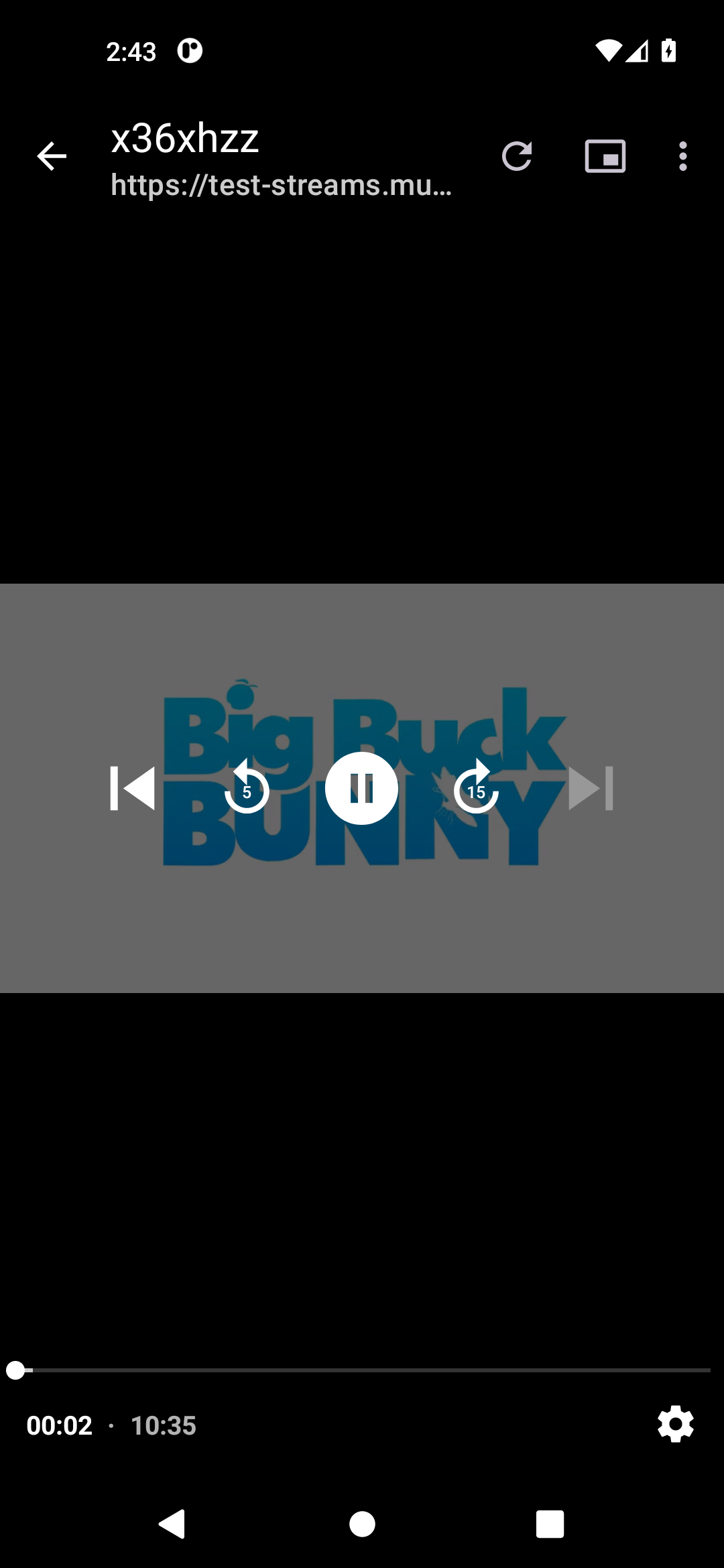
Media3 picks the source type from the extension and starts buffering.
PlayerActivity → ExoPlayer
Inside the app
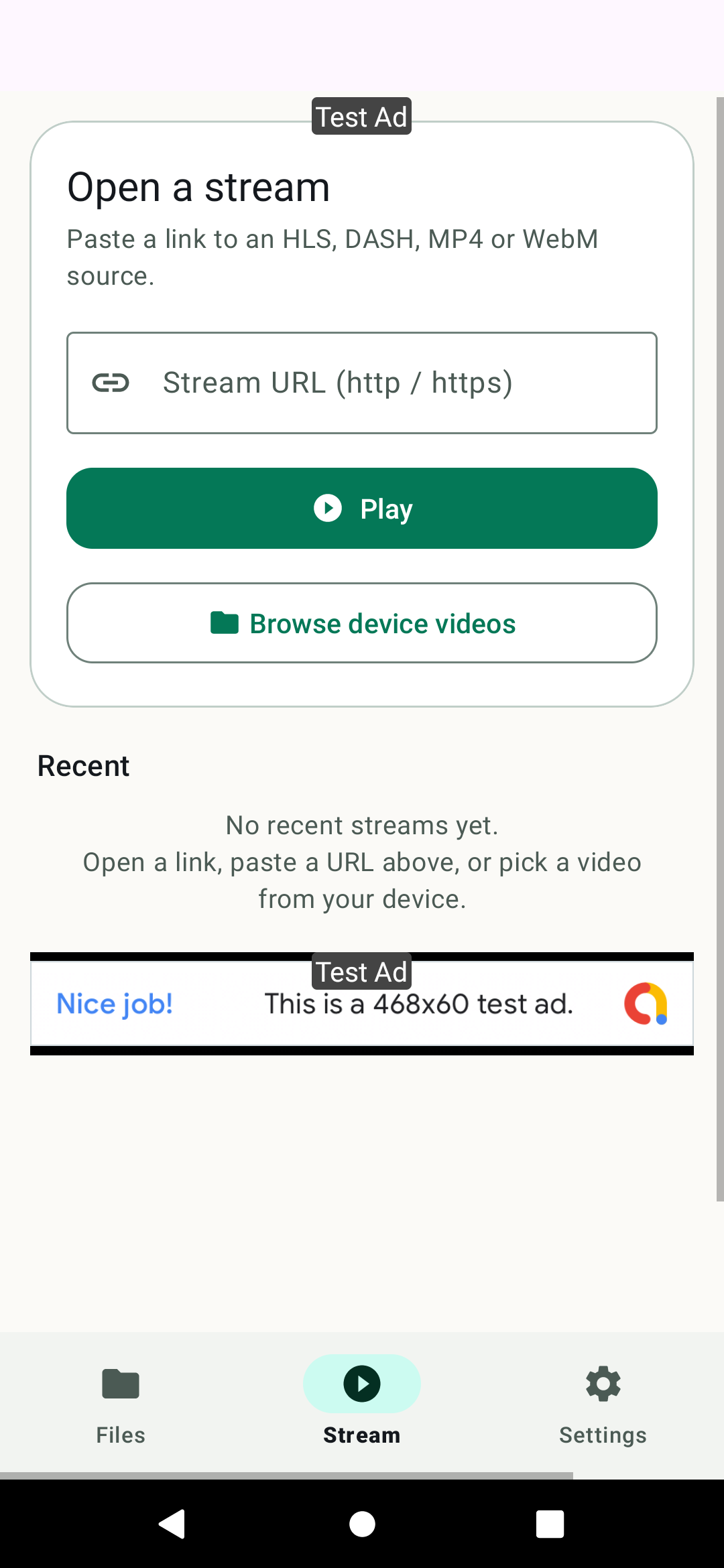
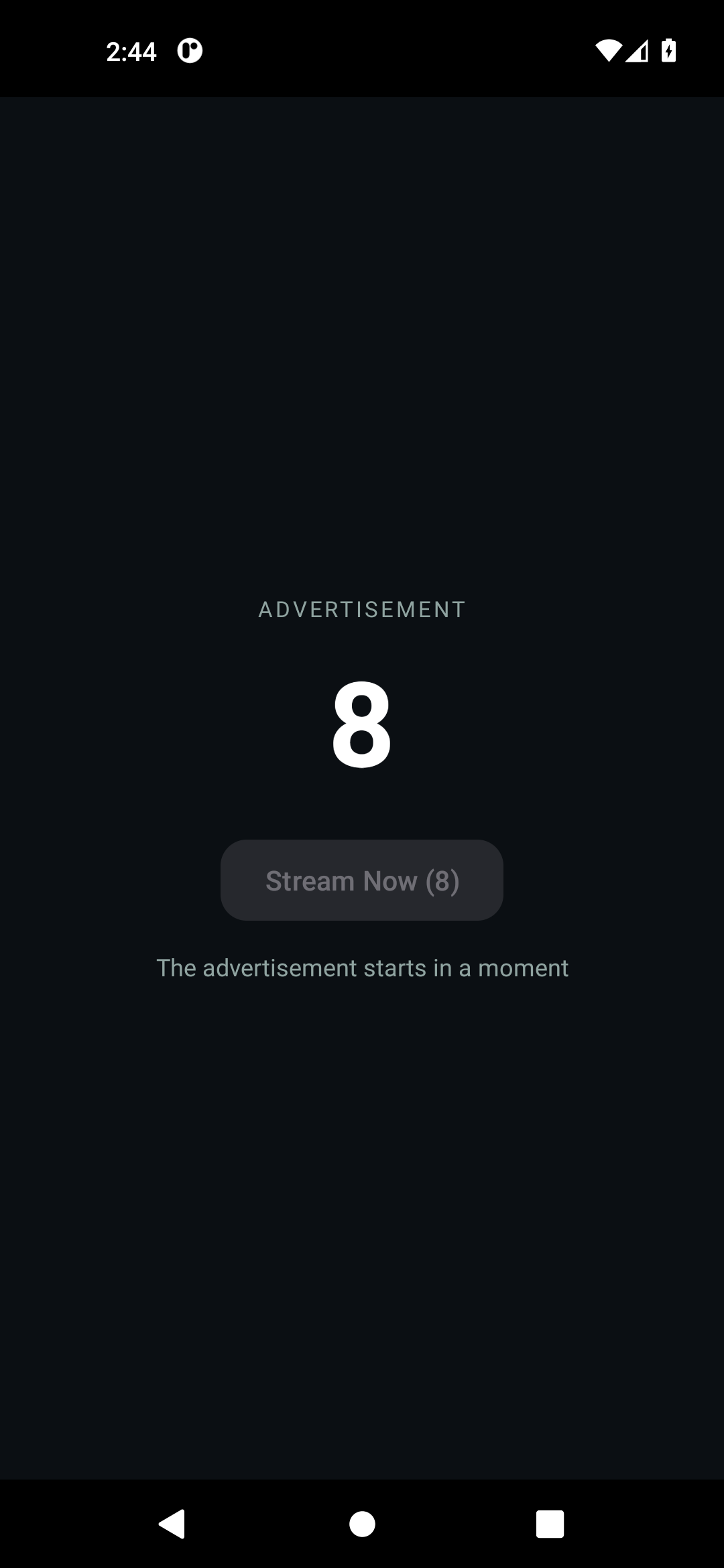
The real app, on a real phone. Three screens and the moment the link lands.
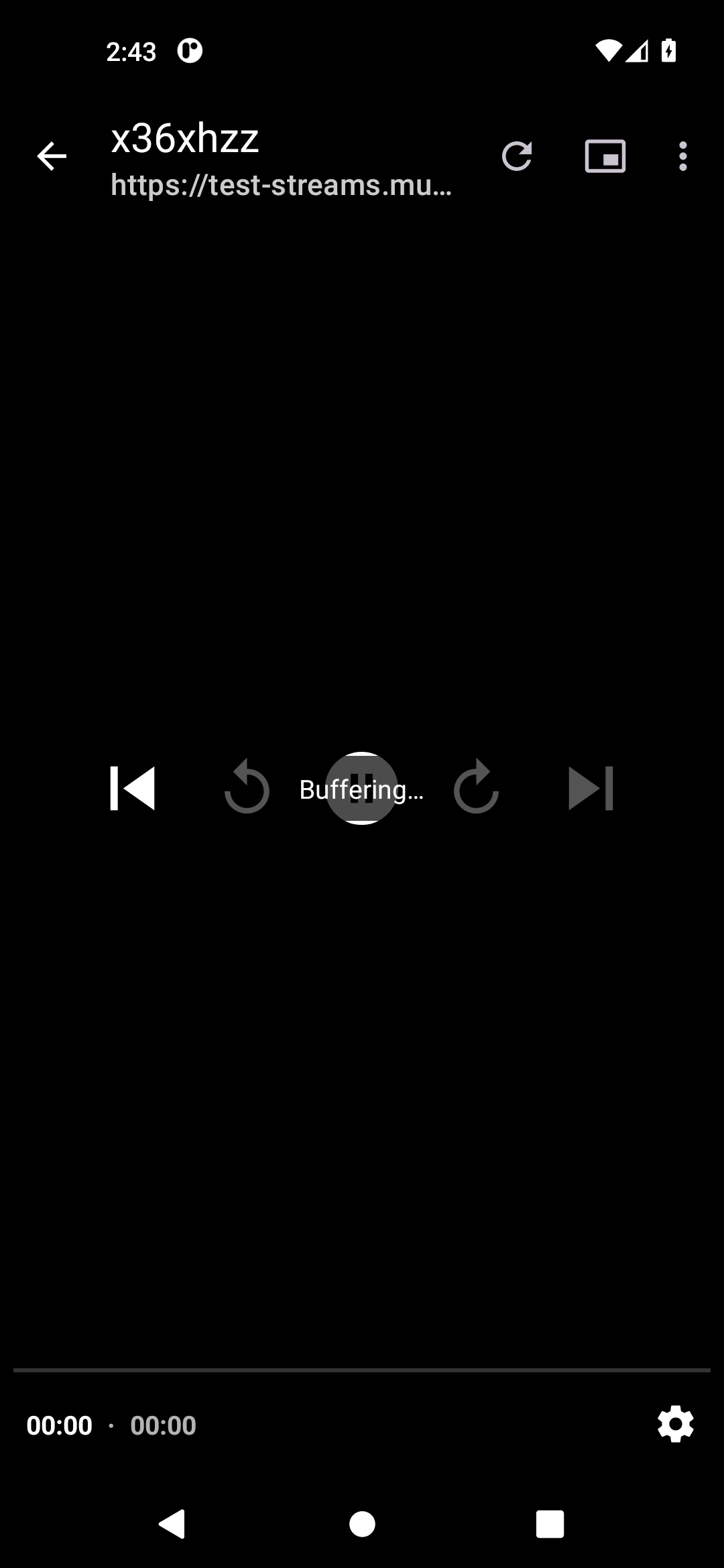
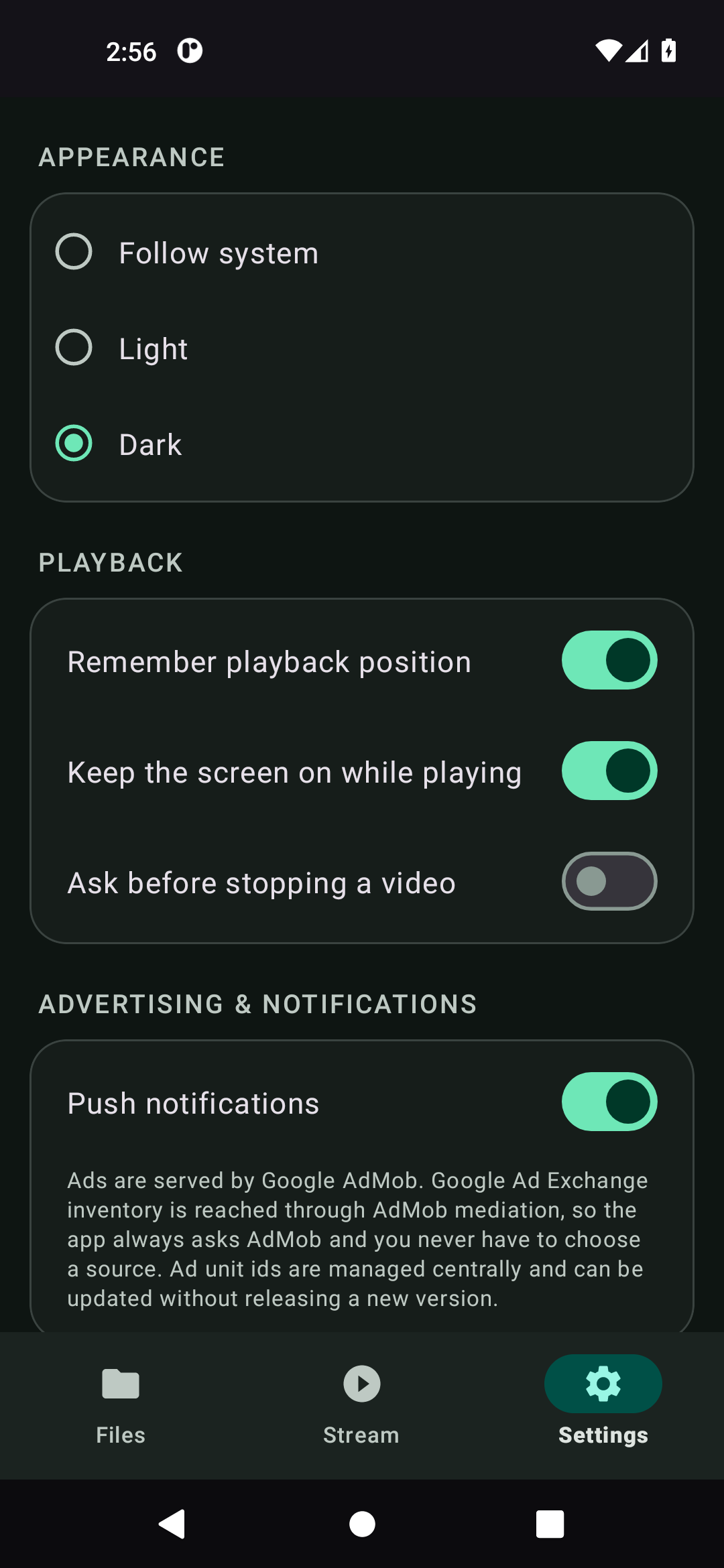
How the advertising fits in
The app is supported by ads. Here is exactly where they appear.
On the Stream screen
An adaptive banner sits under the recent list. It stays hidden while it has no fill, so there is never an empty grey strip.
When a linked stream ends
A stream opened through a deep link shows a ten second countdown. When it reaches zero the “Stream Now” button becomes available and the advertisement plays — then the video plays again.
On a normal cold start
Opening the app from the launcher can show an app open ad. A deep link is never interrupted by one, because the user asked for a specific stream.
Changed from the cloud
The ad unit ids live in a Firebase Realtime Database, so a new ad unit can be switched on for every installed app without releasing a new version.
Every ad in this build uses Google's official test ad units, so nothing is served to real users and no impressions are recorded. The app always asks AdMob — Google Ad Exchange inventory is reached through AdMob mediation, so there is no source to pick.
Build it & inspect it
The builder generates links; the inspector runs the app's own parsing rules on anything you paste.
Build a deep link
Pick a shape. The stream above is used automatically.
—
Inspect any link
This runs the same rules as DeepLinkResolver.kt.
- Scheme
- —
- Query
- —
- Candidate
- —
- Stream URL
- —
- Headers
- —
Every supported link shape
The custom scheme works immediately. App Links need a domain you control.
| Shape | Example | Notes |
|---|---|---|
streamplayer://play?url=… |
streamplayer://play?url=https%3A%2F%2Fhost%2Fx.m3u8 |
URL-encoded parameter |
streamplayer://play/… |
streamplayer://play/https://host/x.m3u8 |
Stream URL inside the path |
streamplayer://… |
streamplayer://https://host/x.m3u8 |
Raw, no key needed |
streammode://… |
streammode://play?url=https%3A%2F%2Fhost%2Fx.m3u8 |
Same shapes, matching the package name |
https://host/?url=… |
https://player.yourdomain.com/?url=https%3A%2F%2Fhost%2Fx.m3u8 |
App Link — needs assetlinks.json |
https://host/play/… |
https://player.yourdomain.com/play/https%3A%2F%2Fhost%2Fx.m3u8 |
App Link, path form |
https://host/x.m3u8 |
https://player.yourdomain.com/media/x.m3u8 |
Direct media link, no parameter |
&header=Name:Value |
…&header=Referer:https://example.com |
Extra HTTP request header, repeatable |
Stream formats
Media3 selects the parser from the file extension.
- HLS.m3u8 — live and VOD
- DASH.mpd — adaptive bitrate
- SmoothStreaming.ism / .mp4
- MP4 / WebMprogressive download
Testing from a computer
Fire a deep link at a connected device.
adb shell am start -a android.intent.action.VIEW \
  -d "streamplayer://play?url=https%3A%2F%2Fhost%2Fx.m3u8" \
  com.streammode.app
adb shell am start -a android.intent.action.VIEW \
  -d "https://player.yourdomain.com/play/…" \
  com.streammode.app